.JPG.jpeg&w=3840&q=75)
Binaya dhakalOctober 5, 2026
Introducing Sis: Your Own AI Social Media Manager
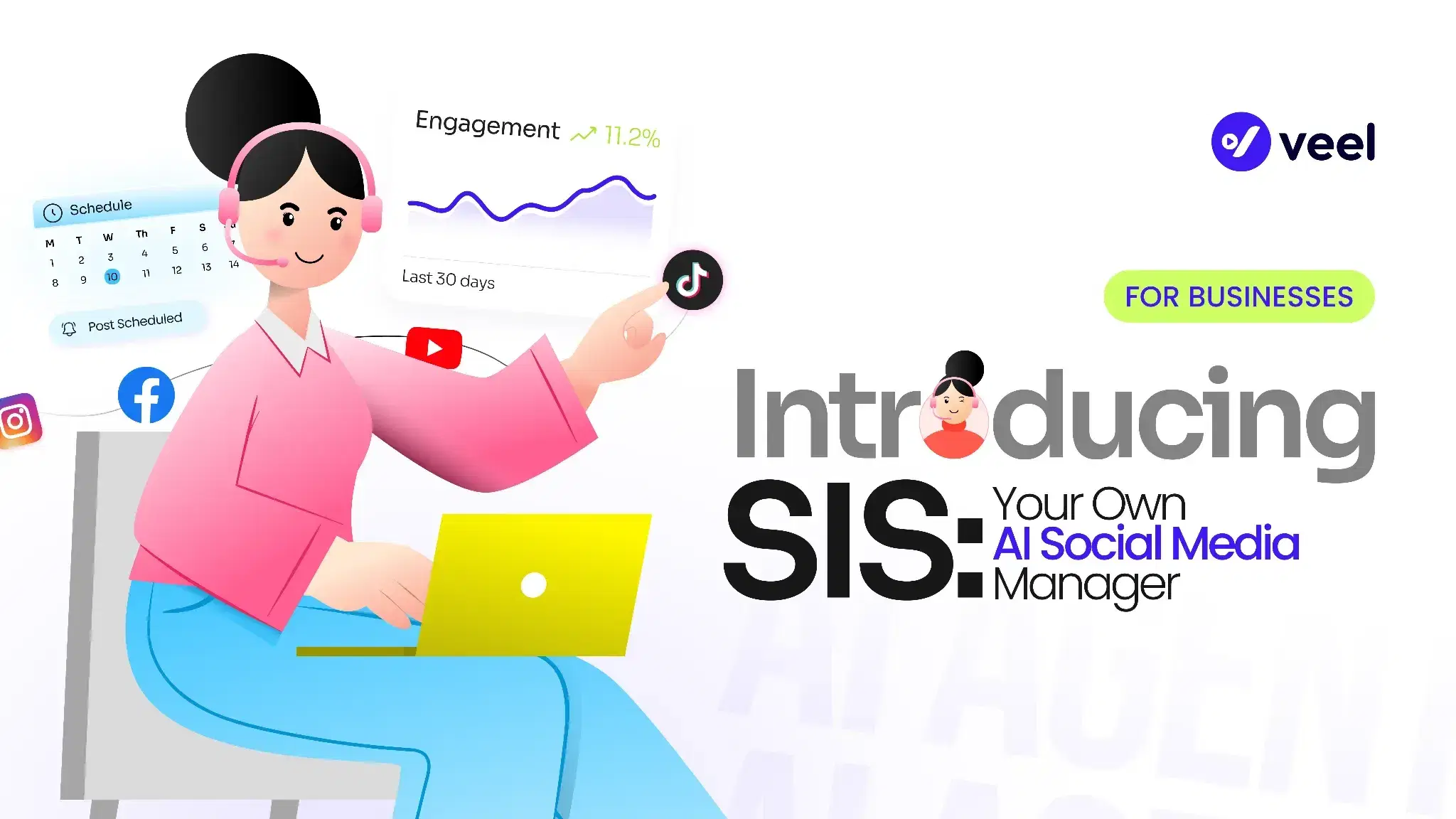
Say what you want, and Sis does the rest.
You know you need to post today. The product photos are somewhere in your drive, you have a rough idea of what you want to say, and maybe there's even a video from last month's shoot you could reuse. But then you have to find the right asset, fit it to the platform, come up with a hook, write the caption, add hashtags, and actually post it.
Suddenly that "quick post" has taken an hour. (If that sounds familiar, it's the problem we described in why social media takes so much time for small businesses.)
That's the problem we're solving with Sis, Veel's AI social media manager. With the Veel AI Marketing Agent, instead of jumping between tools and doing every little step yourself, you simply tell Veel what you want:
- "Post about our summer sale."
- "Turn this video into an Instagram Story."
- "Create this week's social posts from our product catalog."
- "Find UGC creators for our new skincare product."
You give it direction, and Sis takes care of the work.
Quick answer: Sis is Veel's AI social media manager. You tell it what you want in plain language, and it creates posts from your own content, schedules and publishes them, and manages UGC creator campaigns, while you approve what goes out.
What Is an AI Social Media Manager?
An AI social media manager is software that handles the repetitive parts of social media management, such as creating posts, formatting them for each platform, writing captions and hashtags, and scheduling them, based on instructions you give it in plain language. It doesn't replace your judgment about your brand. It takes over the steps in between.
How Does Sis, Veel's AI Social Media Manager, Work?
There's no complicated setup before you can use it. You open the agent and start typing. You can be specific if you know exactly what you want, or keep it simple if you don't. You might say:
"Create a post for our new product."
Or:
"Turn this video into three Instagram Stories. Keep them short and make the last one a CTA."
Veel already has context about your business, your products, your content, and your brand, so you don't have to explain everything from scratch every time. And because you're working in one conversation, you can keep changing things until they're right:
- "Make the caption shorter."
- "Use the second photo."
- "Make this sound less promotional."
- "Give me three more options."
No jumping between screens to make those changes.
Four Ways to Work With the Agent
Prompt: Tell Veel what you want in your own words. There's no format to follow.
Attach: Bring in your existing content, your Veel Library, or products from your store: a video, a photo, a product, or anything else you want the agent to work with.
Presets: For things you do regularly, presets give you a shortcut: generate this week's posts, repurpose a UGC video, create content for a new product, and more.
Inline output: Everything happens in the conversation. Edit the copy, change the asset, regenerate an option, or adjust the tone without opening another tool.
Content Creation, Social Media Scheduling, and UGC Campaign Management in One Tool
Sis brings together three jobs that usually land on one person's plate: creating content, getting it published, and keeping creator campaigns moving.
Create Social Media Content With What You Already Have
Content generation starts from your own assets, so you never begin with a blank page. Veel can work with product photos, videos, creator content, your Veel Library, or products from your store. Give it an asset and a direction, and it turns that into a complete post with the hook, caption, hashtags, and formatting ready to go.
For example, upload a product video and say:
"Make this into a TikTok post."
Or give it a product and say:
"Create three posts for this product. One should focus on the problem it solves, one on the ingredients, and one on a customer review."
You get options instead of having to work through a single version yourself. Because the content starts from your actual brand assets, the result still feels like your business. Veel can also learn from your existing brand presence, including your website, social content, logo, colors, typography, and previous captions, to understand how your brand should look and sound. You can review that brand profile before you start creating and correct anything that isn't right.
Automated Social Media Scheduling and Publishing
Creating the post is only half the job. It still needs to go out. Tell Veel how you want to handle publishing, and it can take care of the schedule too:
- "Post to Instagram every day."
- "Publish these three posts next week."
- "Post this one Tuesday at 9 am."
Or, if you don't want to decide on timing yourself, Veel can recommend a time based on your audience and your account's activity. Everything scheduled stays in one place through auto-posting from your Veel Library, so you can see what's going out without checking four different platforms.
Veel can also look at what has actually worked on your channels and use that when helping you create what's next. You still have the final say: accept, change, or ignore any suggestion.
Automated UGC Campaign Management
For a small team, running a UGC campaign can quickly become a lot of work. With the Veel AI Marketing Agent, you start by telling it what you're looking for:
"Run a UGC campaign for our skincare product with creators in California. Look for creators with 10k–50k followers."
Veel turns that into a campaign using the existing Veel creator marketplace and campaign tools. You see the campaign before it goes live, so you can review the brief and make changes. Once it's approved, Veel handles matching creators, sending invitations, tracking deliverables, and managing the campaign. The creator's content still comes back to you for approval before payment is released, and payments run through global creator payouts.
Sis can handle the repetitive work, but you're still the one deciding whether a creator's content is right for your brand. Once approved, the content can go into your Veel Library and become part of what you use for future posts. So the campaign doesn't end with a folder full of videos. It keeps feeding your social content, which is a big reason UGC keeps outperforming other formats on social media.
An Example of AI-Managed Social Media for a Small Business
Say you run a small skincare brand. You have four people on the team and no dedicated marketing hire. You connect your store and social accounts to Veel, and the agent looks at your existing brand presence and builds a brand profile. You review it, fix anything that's off, and you're ready to go.
On Monday, you ask Sis to generate this week's posts. The agent pulls from your products, library, and existing content and gives you a set of posts for the week. Maybe one is built around an ingredient customers keep asking about, another reuses a creator video from last month's campaign, and another turns customer reviews into a carousel. You don't like one of the captions, so you ask for a different version. You swap one of the images. Then you say:
"Schedule these across the week and recommend the best times."
Done.
On Wednesday, you start a UGC campaign:
"Find skincare creators in San Francisco with 10k–50k followers for our new serum."
Veel builds the campaign and gives you the brief to review. You make changes, approve it, and launch. Over the next couple of weeks, creators are matched, invited, and tracked. Content comes in, you approve the videos you like, and payments are handled through Veel. Now you have a fresh set of creator videos for your next round of social content. That's what Veel is built for small businesses to do: turn one small team into a full content operation.
How to Get Started With the Veel AI Marketing Agent
- Connect your website, social accounts, and product catalog.
- Check the brand profile Veel creates for you.
- Start with something simple, like "Create this week's social posts," or upload something you already have and tell Veel what to do with it.
- Review what comes back, make changes, pick the version you like, and let Veel handle the rest.
You don't need to know exactly what to ask for. Start with what you're trying to get done. And if you're not sure where your social presence stands today, a free social media audit is a good place to begin.
What You Still Control With AI Social Media Management
AI doesn't mean handing your entire marketing operation over. You still decide what your brand sounds like, approve the content you publish, choose who you work with, and approve the campaign brief. Creator content still needs your approval before payment is released.
Veel handles the work between those decisions: the resizing, the captions, the hashtags, the scheduling, the follow-ups, and the campaign admin. Those things aren't necessarily difficult, but somehow they take up half your day. That's the part we're taking off your plate.
You don't need to figure out which tool to open first or build the whole workflow yourself. You tell Veel what you want done. That's what we're building toward: a marketing agent that actually does the work, not just another list of things to do.
Try Sis for free or see pricing.
Frequently Asked Questions
What is an AI social media manager?
An AI social media manager is software that handles repetitive social media tasks, such as creating posts, writing captions and hashtags, formatting content for each platform, and scheduling, based on plain-language instructions. You stay in charge of the decisions that matter, like brand voice and what gets published.
What is Sis?
Sis is Veel's AI social media manager. You tell it what you want, such as "Post about our summer sale" or "Turn this video into an Instagram Story," and it creates the content, schedules it, and can also manage UGC creator campaigns using Veel's creator marketplace and campaign tools.
Does Sis publish content without my approval?
No. You approve the content you publish, the campaign brief, and any creator content before payment is released. Sis handles the steps in between, like resizing, captions, hashtags, scheduling, and campaign admin.
Can Sis create content from my existing photos and videos?
Yes. Sis works from the content you already have, including product photos, videos, creator content, your Veel Library, and products from your store. It can turn an asset and a short direction into a complete post with a hook, caption, hashtags, and formatting.
How do I get started with Sis?
Connect your website, social accounts, and product catalog, review the brand profile Veel creates for you, and then start with a simple instruction like "Create this week's social posts." You can try it for free.