.JPG.jpeg&w=3840&q=75)
Binaya dhakalOctober 15, 2026
Veel Social Guard: AI Comment Moderation for Brand Posts and Creator Campaigns
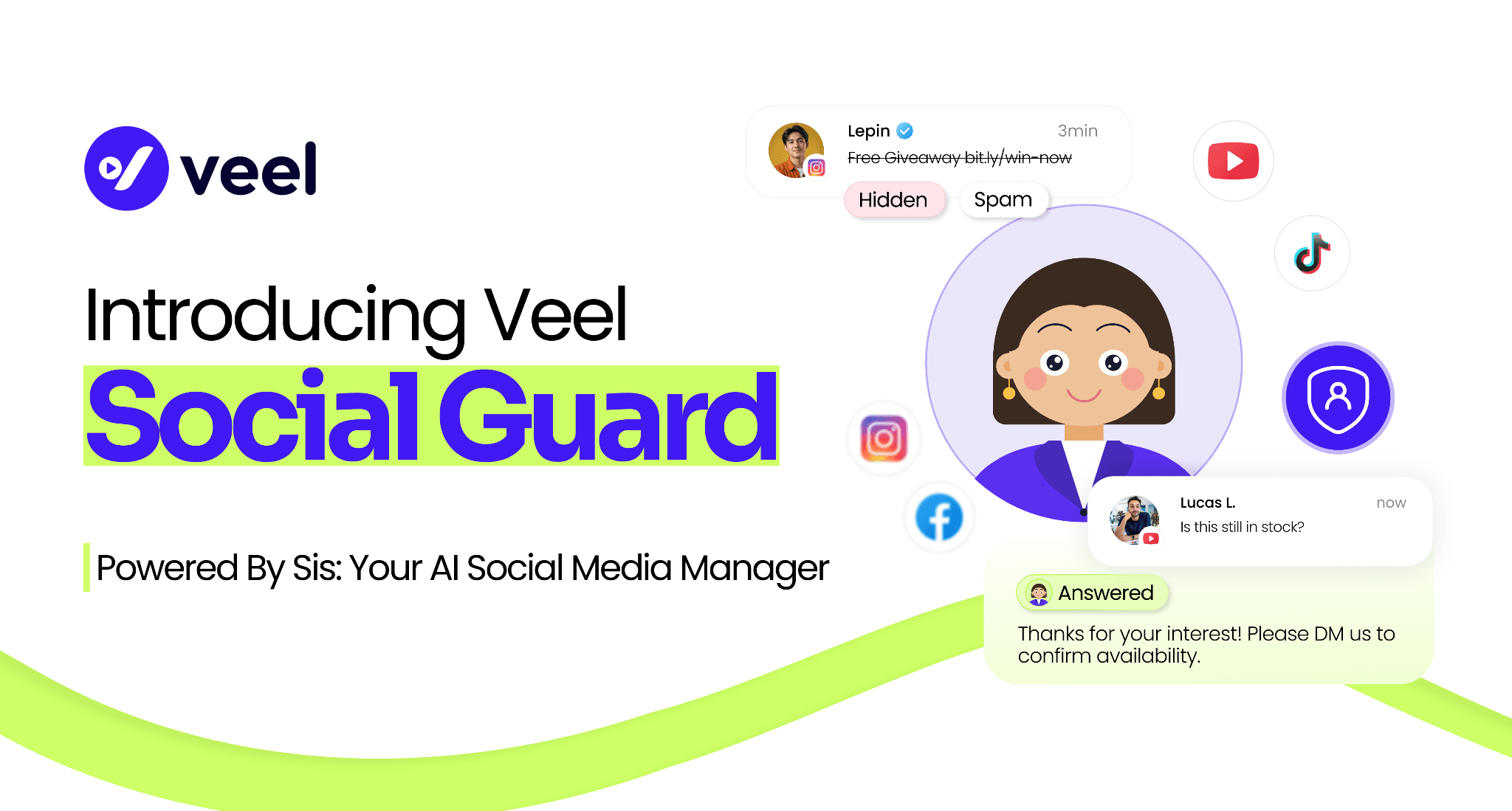
You approve the video. You post it. Views start coming in, and then the comments land. Some are real questions from people ready to buy. Others are scam links, abuse, or a rival brand dropping its name under your post.
Veel Social Guard is AI comment moderation built into the Veel account you already use for creator campaigns. It runs on Sis, our AI social media manager, and it works alongside AI Lens, which checks each video for authenticity before you publish. Both launch together, so the video going out and the conversation coming back are covered in one place.
What is Veel Social Guard?
Veel Social Guard is an AI comment moderation feature that watches the comments on your brand’s Instagram, Facebook, TikTok, and YouTube posts around the clock. It hides or removes harmful comments, sends borderline cases to a review queue for a person to decide, and writes AI replies to customer questions and praise.
It covers campaign videos shared from Veel and your everyday posts. If you’ve followed Sis since her launch, think of this as her moderation shift.
What Social Guard handles
It’s built around the problems brands bring up most:
- Hate, abuse, and toxic replies. Hidden automatically.
- Spam and scam links. Fake giveaways, “free followers” offers, phishing.
- Competitor plugs. Comments pushing a rival brand under your post.
- Words you never want seen. Your own block list, applied on every post.
- Customer questions and praise. Answered with an on-brand reply.
Nobody on your team has to sit refreshing a comment feed.
How to set up AI comment moderation in five steps
If you run many campaigns, you don’t have time for a new configuration every week. So you set this up once.
- Turn Social Guard on. One switch, one place.
- Choose what to protect, platform by platform. Everything, only campaign videos, or only everyday posts.
- Pick how strict to be. Lenient, Standard, or Strict. Then choose what happens to a violation: hide it, delete it, send it to you, or just log it.
- Set separate rules if you want them. Campaign shares and other posts can follow your main rules or have their own.
- Read the preview and save. A plain-English summary shows what will happen, and you can test a sample comment before anything goes live.
AI replies are switched on in the same place. New posts are covered automatically, so a new campaign needs no extra setup.
Set your own rules with lists and a hostility score
Before the AI looks at a comment, five instant lists run first:
- Always hide: words or phrases that break your rules on sight.
- Competitors: brand names that count as a plug.
- Trusted people: handles whose comments are never touched.
- Always keep: words that mean a comment is fine.
- Links allowed from: add your own shop or site, and any other link reads as spam.
Every comment also gets a hostility score. You drag two handles to set the cutoffs: which comments are left alone, which come to you for a decision, and which the AI handles itself. Your team’s attention goes to the conversations that need it.
Will AI comment moderation hide genuine criticism?
Only if you tell it to. This is the worry we hear most, and the product is built around it.
You choose the strictness, from “only clear abuse” to “also mild negativity.” Borderline comments can go to a review queue instead of being hidden, so a person makes the final call. Social Guard also weighs the sentiment of each comment. Every action is logged and can be undone, and the settings preview shows what will happen before it does.
Social Guard catches the clearly harmful comments and passes the unclear ones to your team. It doesn’t try to replace judgment where judgment matters.
AI replies in your brand’s voice
Some comments aren’t threats. They’re a customer asking about shipping or a fan saying thanks. Sis answers those in your brand’s tone, using your own FAQ answers, so every customer gets a timely reply.
You decide which comments get one, and whether each type sends automatically or waits for your approval. The guardrails are fixed:
- Complaints always wait for a person.
- Sensitive topics like refunds never get an AI reply.
- Replies never promise prices, refunds, or delivery dates.
- A comment that broke your rules never receives a reply at all.
See exactly what Social Guard handled
The dashboard shows everything that was checked, hidden, and answered. Filter by platform and post type, and export it when you need to.
Different teams use that record differently. Agencies can show each client what was handled on their accounts. Brands in sensitive categories like beauty, health, and finance keep a full history of every action. Creators see when their collaborated posts are protected and can opt out of a post.
AI Lens: check every video before you publish
A fake or misleading video under your name costs trust fast, and you’re the one who answers for it.
AI Lens checks every video you use on Veel: videos from your creators, videos you upload yourself, and videos you find through Content Discovery. It runs where you already approve content, before a video is approved, published, or reused, so it adds no step to your week. For the bigger picture on why this matters, read Brands Can’t Hide Their AI Creators Anymore.
Social Guard picks up once the video is live and works every day it stays up.
How is this different from the social media tool you already use?
Comment moderation tools don’t know which posts are your Veel campaigns, and they don’t check the videos themselves. Creator platforms tend to stop caring once the video is delivered. Veel puts both in the platform where your creator campaigns already run, with no extra tool, login, or per-campaign setup. If you’re weighing options, our UGC platform comparison lays out how Veel stacks up.
Trust in creator content gets built in the video and in the comments under it. Social Guard protects both.
Try Veel Social Guard free → See pricing for plan details.
Frequently asked questions
Does Social Guard hide genuine criticism?
Only if you ask it to. You choose how strict to be, borderline comments can go to a review queue, and you can undo any action.
Do I need to set it up for every campaign?
No. Switch it on once and choose what to protect. New campaigns and posts are covered automatically.
Can I use it on posts that aren’t Veel campaigns?
Yes. It works on everyday posts on your connected accounts, and you can set different rules for each type.
Does it work on creators’ own accounts?
It covers your brand’s own accounts and posts made together with a creator. Creators see when their collaborative posts are protected and can opt out of a post.
Will the AI say something wrong in my name?
You choose which comments get a reply and whether each type waits for approval. Complaints always wait for a person, refunds and other sensitive topics never get an AI reply, and replies never promise prices, refunds, or delivery dates.
Which videos does AI Lens check?
Every video you use on Veel: creator videos, your own uploads, and videos found through Content Discovery.
We already use a social media tool. Why add this?
Those tools don’t know which posts are your Veel campaigns, and they don’t check the videos. Social Guard covers both in the platform you already use for creator campaigns.
How do I know it’s working?
The dashboard shows everything checked, hidden, and answered, by platform and post type, and you can export it.
What if a platform won’t let Veel delete a comment?
Social Guard hides it instead. The settings preview shows this, so you know what